2.3 Reinvest
In modules 1 and 2, you reviewed text types, the response process, copyrights, and solid reinvestment tasks. You also explored digital activities designed to help students construct the meaning of texts through the use of various digital tools.
Many of these digital tools are versatile and can be utilized not only to help students construct the meaning of texts but also in the reinvestment task itself!

Let's first examine the model reinvestment task where students must select, organize, and adapt information from a variety of texts to produce a text intended to commemorate an inspiring young adult.
Next, explore the suggested tasks with the same requirements as the model task but integrate digital tools that could be recommended to students for this reinvestment task.
Proposing tasks that can be shared with the actual intended audience is not only more meaningful and authentic but also helps students develop their digital competency while making their work more interactive and accessible. After all, why write something on paper if it will never reach the intended recipient?
Model Reinvestment Task
Task : Students write a text to commemorate an inspiring young adult
Purpose : To pay tribute/to entertain
Audience : Peers
Evaluation criterion : Use of knowledge from texts in a reinvestment task
Task requirements:
Select, organize, and adapt knowledge from texts provided in light of purpose and audience
Select
Select relevant knowledge (e.g. personality traits, accomplishments, challenges / obstacles, influence on others) from texts
Organize
Organize knowledge from texts in a coherent manner using an outline (e.g. organize information according to type, such as accomplishments and anecdotes; group ideas; present information in a logical order)
Adapt
While remaining true to the original texts, adapt knowledge in view of the task by using information/ideas and language, and using own words (e.g. transform an event from the texts into an anecdote about the inspiring young adult, draw conclusions from the texts about the character’s personality/qualities and write a description, adapt language to target audience)
Remember!
This course follows accessibility standards. When you click on links, they will open in the same window, replacing the page you are viewing. To return to the original page, click the left arrow in your browser.
Alternatively, if you prefer to open pages in a new tab, right-click on the link with your mouse and select "Open in a new tab." This will open two tabs in the same window.
Suggestions for reinvestment tasks
integrating digital technology
Suggestions for reinvestment tasks
integrating digital technology
Have students create a video

Canva
Tutorial
Watch the tutorial "Exploring Canva to Reinvest Understanding of Texts"
- 6 min 32 s -
Have students an interactive poster

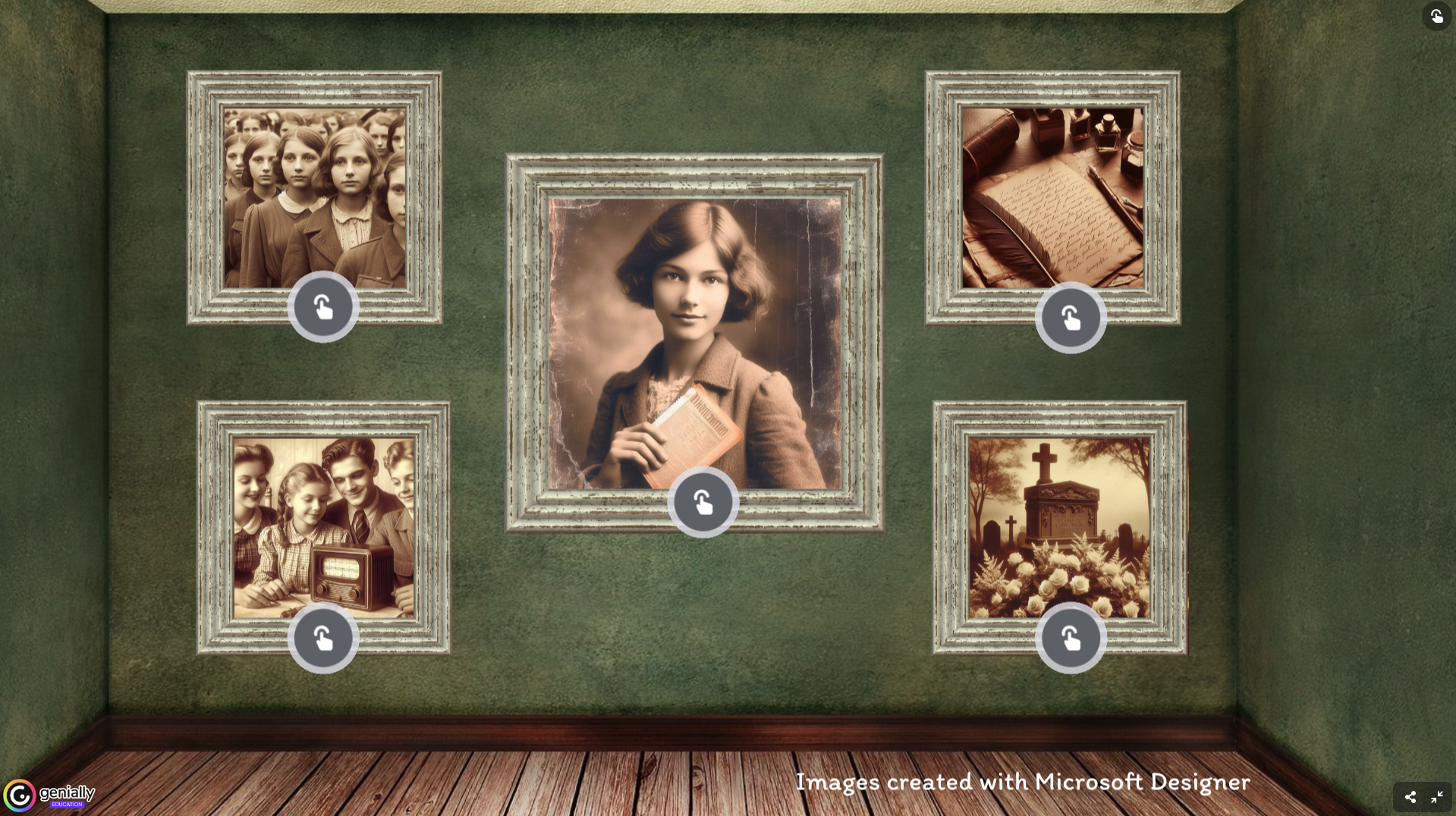
Tutorial
Watch the tutorial "Exploring Genially to Reinvest Understanding of Texts"
- 7 min 38 s -
Have students create a book

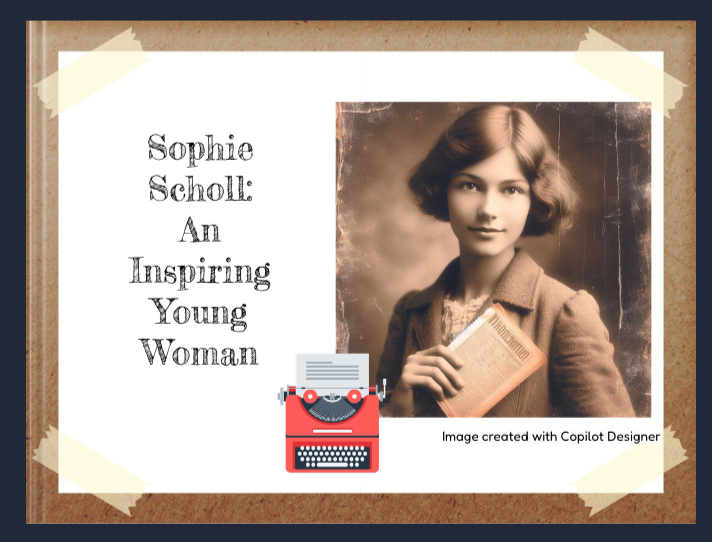
Tutorial
Watch the tutorial "Exploring Book Creator to Reinvest Understanding of Texts"
- 5 min 47 s -
Remember!

When suggesting digital tasks to students, ensure they are already familiar with the tools or plan for and provide time for them to discover and learn how to use them. The digital activity should not hinder their ability to succeed in the final task.
Regardless of whether the task uses technology, the requirements must remain the same. It's the content that is evaluated, not the digital product.
Badge Opportunity
"Transfer" Badge
This badge is awarded to the learner who:
- analyzes an existing C2 learning and evaluation situation (LES) with the intention of ensuring it is a solid reinvestment task, (review what makes a reinvestment task solid according to ministry guidelines here, if necessary);
- ensures that the LES includes activities to prepare students before introducing texts, as well as activities for students to explore and respond to texts to construct their meaning. If necessary, the learner creates additional activities that integrate digital technology to address any gaps or missing elements;
- proposes two reinvestment tasks that integrate technology to enhance or improve the final reinvestment task and;
- shares the activities and reinvestment tasks.
Length: 180 minutes
To earn this badge, you must meet all of the requirements.
How to get a badge
Think about a learning and evaluation situation (LES) or an end-of-unit reinvestment task you currently use or plan to use with your students.
- Complete this planning template (Google Docs planning template or Microsoft Word planning template) to help analyze the reinvestment task.
- Add any missing information to make it a solid reinvestment task e.g., purpose, audience, etc.) .
- Identify any areas where the existing LES might lack preparation activities or strategies that your students might require and create activities that integrate digital tools to fill these gaps.
- Ensure that the LES includes activities for students to explore and respond to texts to construct their meaning. Create activities if they are missing or insufficient for your students.
- Provide a detailed description of the activities you add, and, ideally, the text(s) involved.
- Propose two reinvestment tasks that integrate technology to enhance or improve the final reinvestment task.
Remember that LES are often designed with the expectation that teachers will tailor them to their students' specific needs!
Get a badge
Participant Booklet